
Set formula measure for action in presentation slide
I have a table on a presentation slide with multiple different measures, all of which are formulas. I want users to be able to double-click on one of these measures to open a different discovery depending on which column (measure) is clicked. When trying to add this through the action tab, I see that I can specify "Relevant Measures", but the relevant measures drop-down only lists measures native to the model (direct from model) and does not show the formulas that are included in the table. How can I make sure that clicking on a column opens the correct discovery?
4 replies
-
Hi
Although the action with a measure does not expose calculated measures, it would not do what you need even if you could have selected it.
Selecting measures only tells the Discovery on which measures in the table to enable the action on. It will not give you different behaviors for different measures (opening different reports).Because you want to use a click action, and not open a right-click menu letting the user choose which report to open, I suggest adding "hidden buttons" on the columns titles in the Present itself.
In this sample here, I added a rectangle on top of the column name (I left a yellow border so it can be seen for the purpose of this demo. I would remove it for production version)
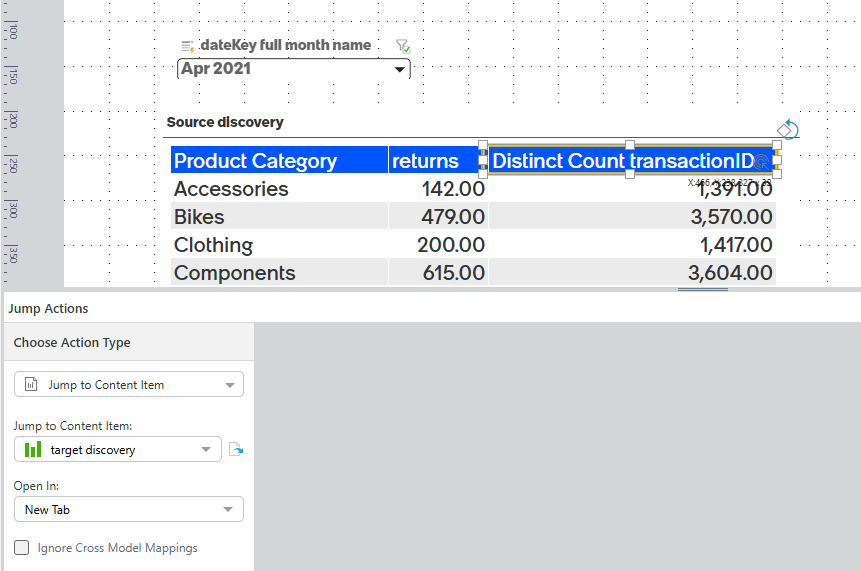
I now add a click action to it:
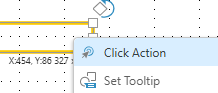
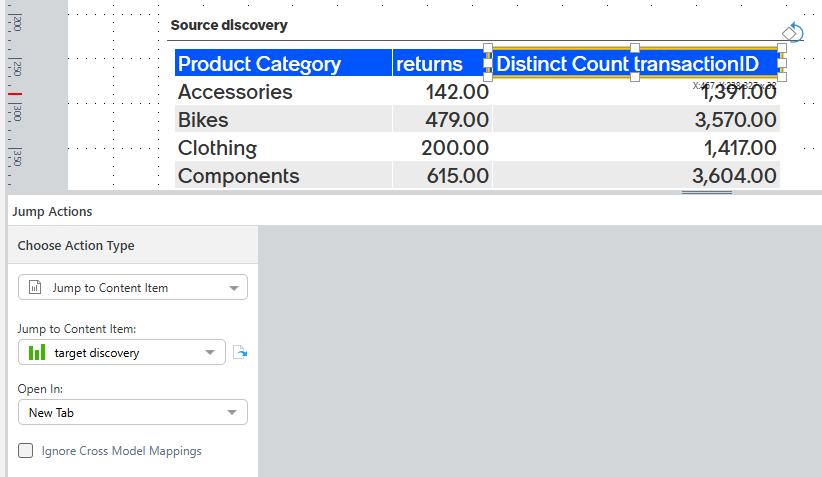
and select the relevant content item to open
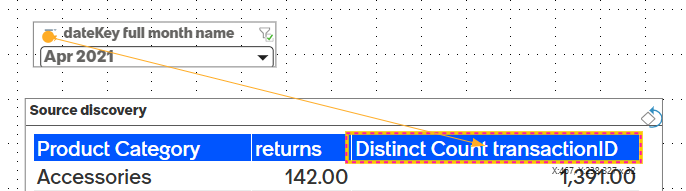
You can also have your Present slicers interact with this button, making them affect the target Discovery:
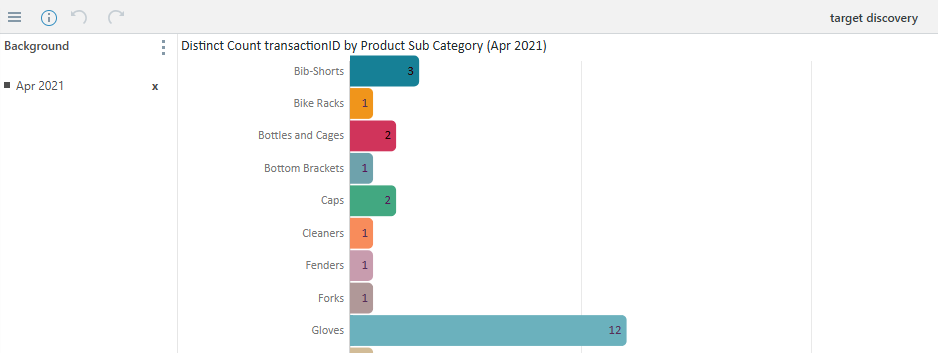
Hope this helps you with your need

-
Another approach is to use URL action instead of an open content item, and then use a condition:
Case(
     contains(uniqueNames(),"{formulate 1 content id"}, "/direct?id={discover for formulate 1}",
     contains(uniqueNames(),"{formulate 2 content id"}, "/direct?id={discover for formulate 2}",
     ...
,"/direct?id={discover for default}"
)
notice this will not take the context. if you need the context as well - change the url to work like this:
"/direct?={discover for formulate N}&filter=" + uniqueNames(dataset(),"&filter=")