
0
Object Renaming Does Not Work in the Search Panel
Hello PA Team,
I found an issue with renaming objects in the Search panel.
Steps to reproduce:
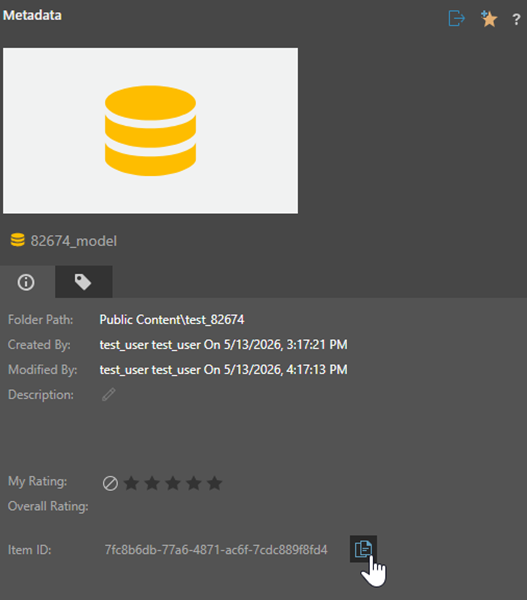
- Select any object in the Explorer, open its Metadata panel and copy its Item ID
- Reload the browser page
Without opening the object in the Explorer, navigate to Search, paste copied Item ID into the search bar and press Search

Right-click the object, click rename and type in new name

Press the Search button again or press Clear and perform step 3 again
Expected behavior:
Search result shows the object with the updated name

Actual behavior:
Search result shows object with the old name

I also found out that there is no issue if the object has been opened in Explorer after the page reload.
Thanks!
1 reply
-
Hi
Please raise this as a support ticket so that we can reproduce, track and potentially address it.
Thanks.
Ian