
Error switching to Pyramid Internal LLM requires logout
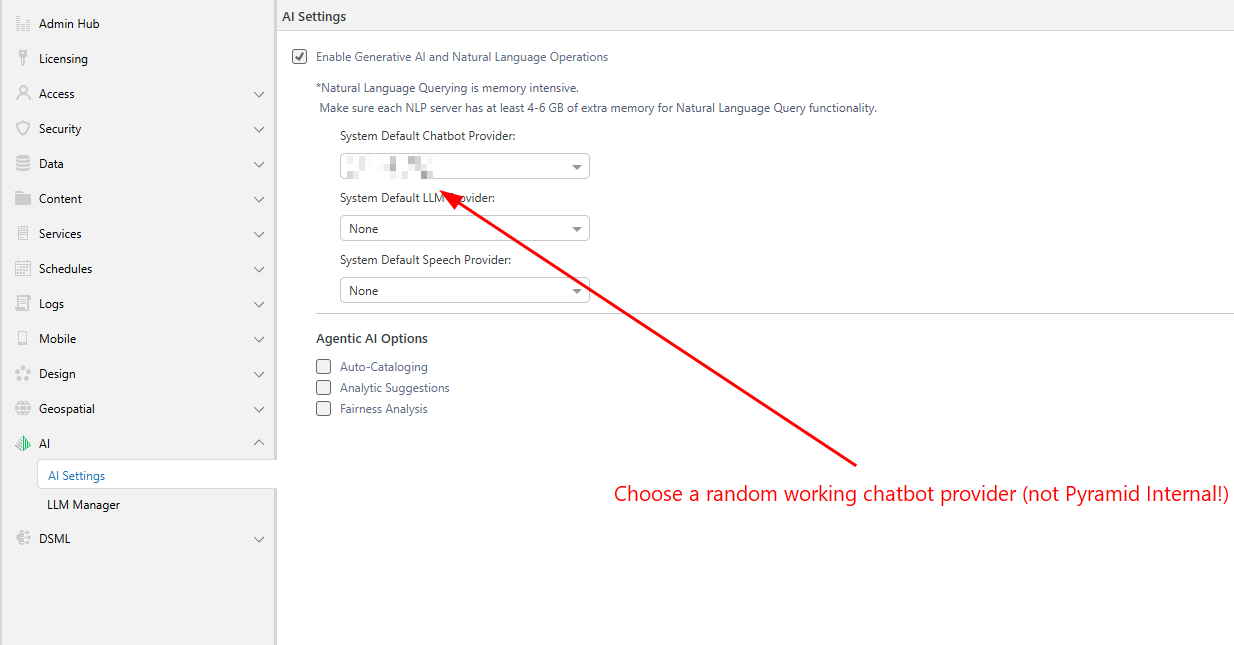
Hi all!
I’d like to report a bug regarding the LLM provider switching process.
We have identified an issue where switching the default AI Engine from an external provider to "Pyramid Internal" causes immediate errors for the current user session. The issue resolves only after the user logs out and logs back in.
Steps to Reproduce:
- Login to an environment where an External LLM is set as the default (and verified as working).
- Open any Discovery and use the Chatbot to generate a task (it works correctly, creating a report based on the text prompt).
- Go to AI Settings, change your third-party engine to "Pyramid Internal", and apply changes.
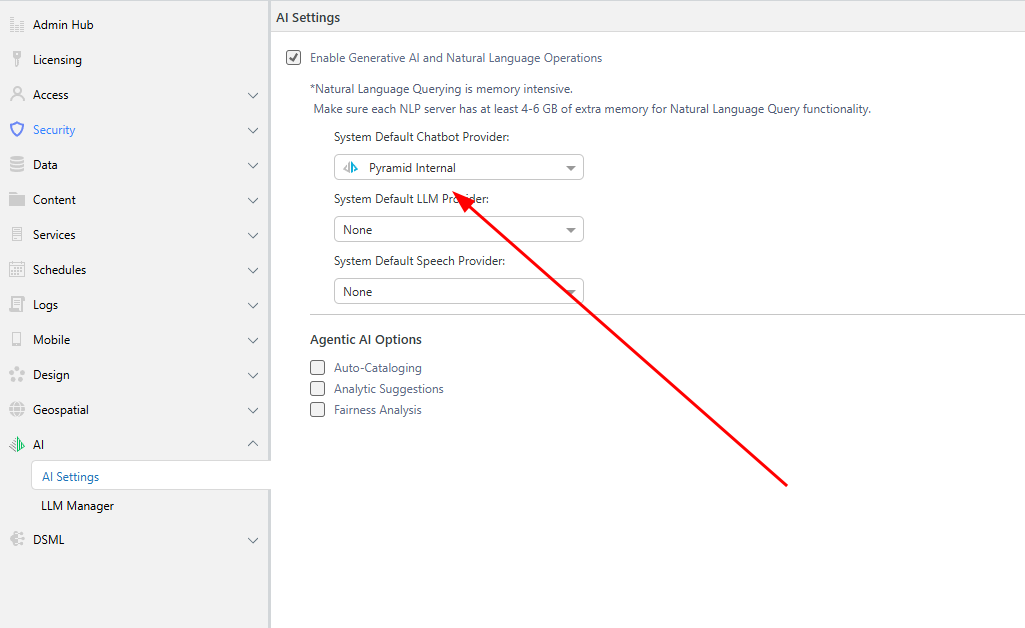
- Re-open Discovery and repeat the same (previous) command for the Chatbot
Actual Behavior:
- UI Error: Returns "Server Error".
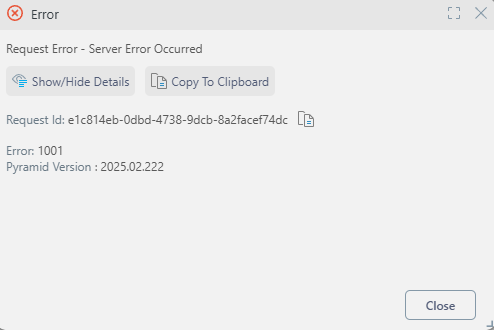
- Logs: Record "Error occurred while running the LLM query".
- Persistence: The error persists even after a metadata refresh. It is only resolved by a full logout/login.
Expected Behavior:
The system should process the Chatbot request using the new engine. Changes to the AI provider should apply immediately to the active session without requiring re-authentication.
Pyramid version: 2024.* and 2025.*
Question:
While logging out and back in resolves the issue temporarily, it would be great if the LLM switch could take effect immediately without logout. What would be the best approach to correct this behavior?
1 reply
-
Hi
If you think this is a bug, please open a ticket through support@pyramidanalytics.com.
Thanks,
Ian