
Slow Loading and Incorrect Previews in Presentation Viewer
Hello PA Team,
I'd like to report a performance and rendering issue with slide previews in the Presentation viewer.
The Issue:
When opening a Presentation, the slide previews (thumbnails) often take an excessive amount of time to load (40+ seconds).
Observed Symptoms:
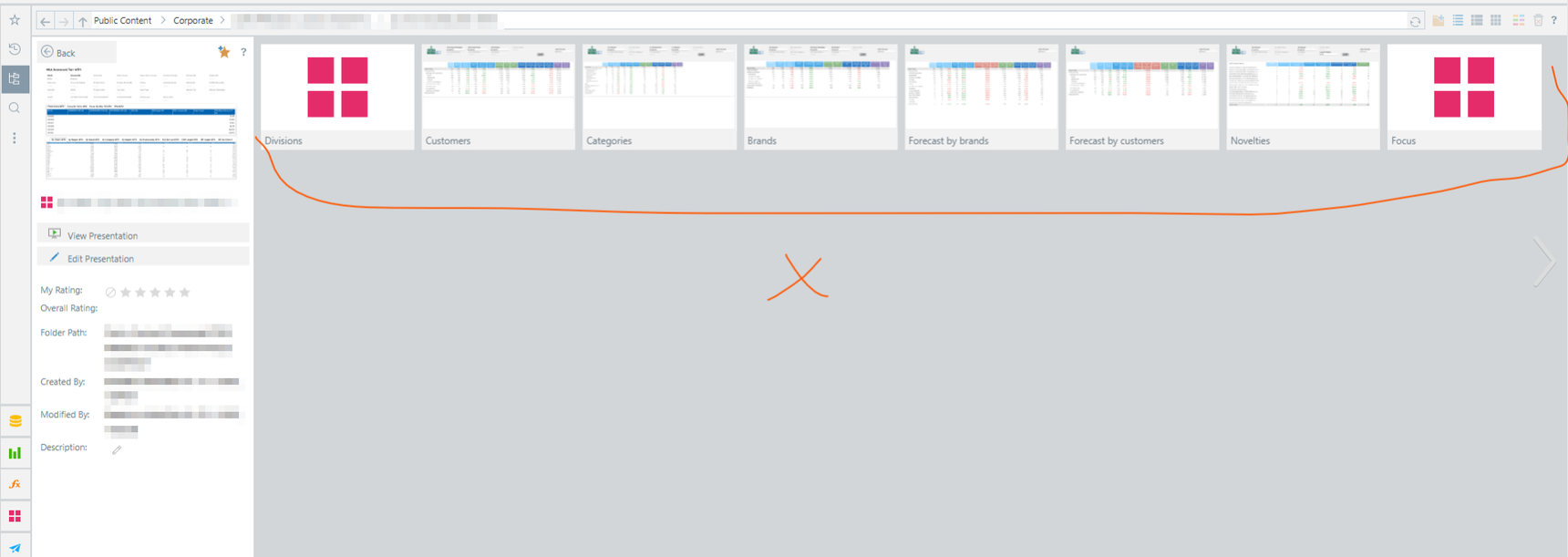
Grey Placeholders: Users see grey boxes instead of slide previews for a long time.
Stale/Incorrect Images: Sometimes, the viewer initially displays thumbnails from a previously opened presentation before eventually updating to the correct ones. This is very confusing for users.
Impact:
This significantly degrades the user experience. Users are left waiting or are misled by incorrect thumbnails, making navigation difficult.
Expected Behavior:
Slide previews should load reasonably quickly. If loading takes time, a proper loading indicator should be shown, and the system should never display cached thumbnails from a different presentation.
Screenshots:
Screenshot 1: Grey placeholders (loading state).
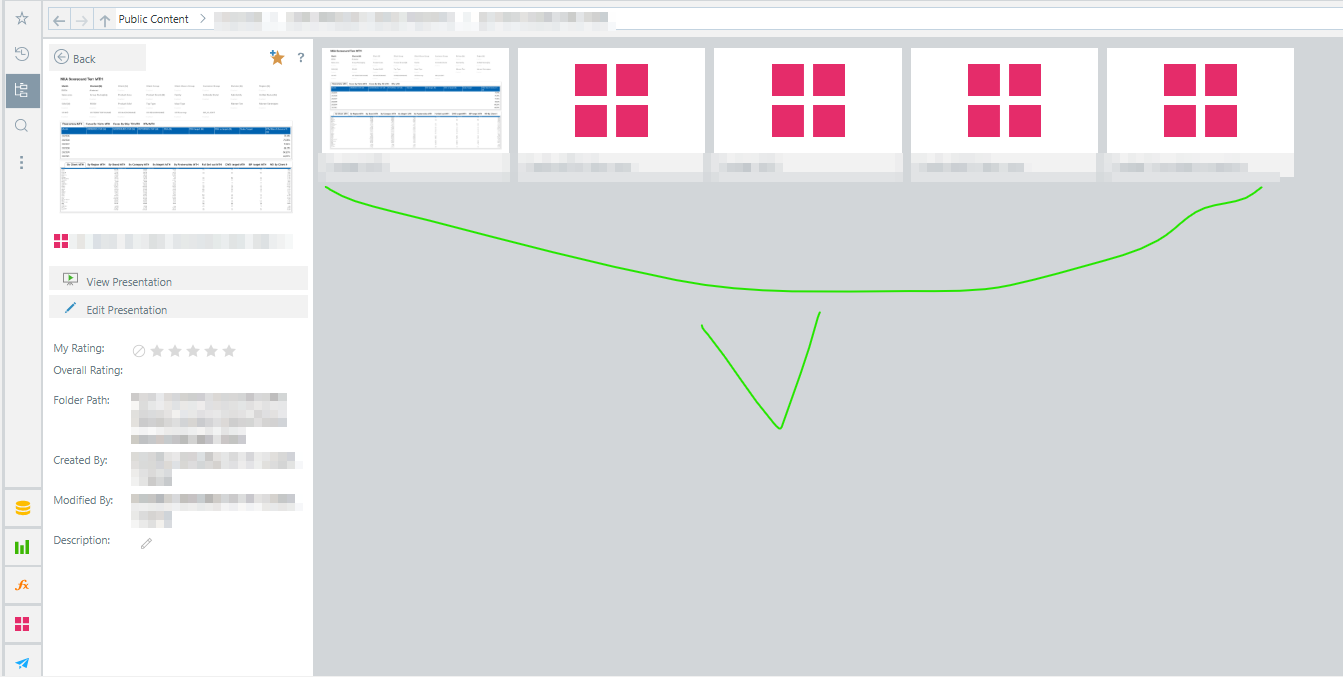
Screenshot 2: Correct previews (after ~40 seconds).
Please investigate the performance of the thumbnail generation/caching mechanism.
Thanks.
3 replies
-
Your repository database is slow. This is typically because its sitting on weak server resources; its sitting on shared resources that are overwhelmed; or its not configured for high volume multiple, concurrent requests. Or, all of the above.