
0
How to Change Font Color for Measure Values in Discover
Hi Team,
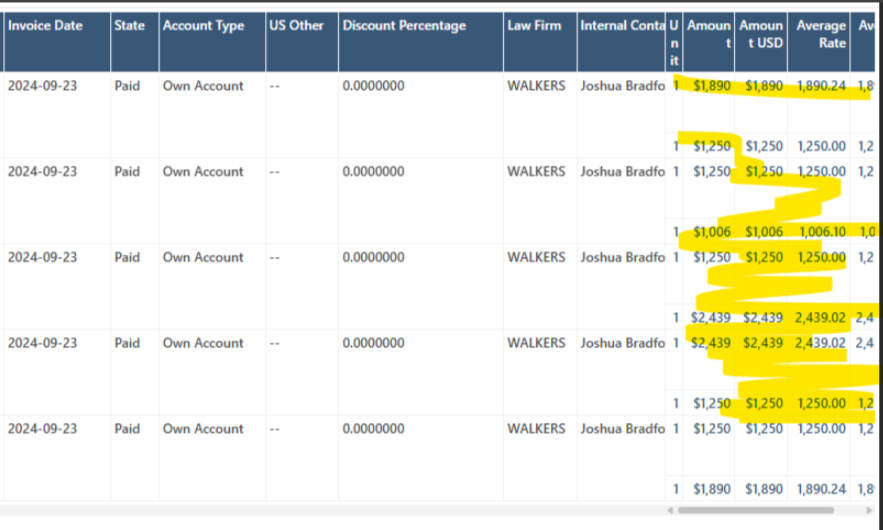
In Discover, the values in the measure columns are displayed in blue font. How can we change the font color of these values?
Thanks,
Raveena
2 replies
-
Hi
You can simply access it through the Formatting Panel -> Data properties
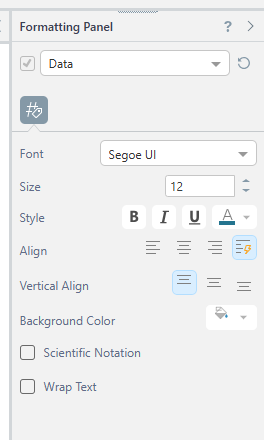
If you wish the have control over the fonts' colors based on a business logic, you can refer to the "Conditional Formatting" - https://help.pyramidanalytics.com/2025/Content/Root/MainClient/apps/Discover/PRO/Visualizations/CF/Conditional%20Formatting%20Overview.htm?Highlight=conditional%20formatting
-
Look in help for comprehensive guides: